

Devin Desktop
-
Open the Command Palette (
Ctrl/Cmd + Shift + Por go to View > Command Palette) - Type in “Download Devin Logs” and select the option that reads “Download Devin Logs File”
- Export or copy the logs and attach the file to your ticket.
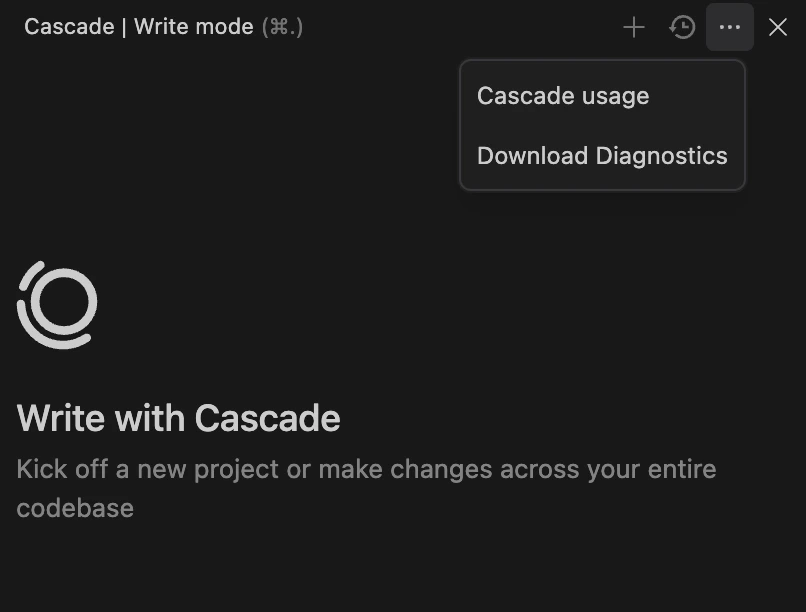
How to download diagnostic logs from Devin Desktop Editor using the Command Palette or Cascade panel for troubleshooting support.
Ctrl/Cmd + Shift + P or go to View > Command Palette)