跳转到主要内容
现在你已经完成所有配置,可以开始你的第一个 Devin 会话了! 先从范围较小的任务开始,并且记得像指导一位人类初级工程师那样,向 Devin 提供同样详细的说明。我们看到用户与 Devin 合作完成的任务非常广泛,从修复小 bug,到定向重构,再到大规模迁移。

使用 Devin 启动一次运行

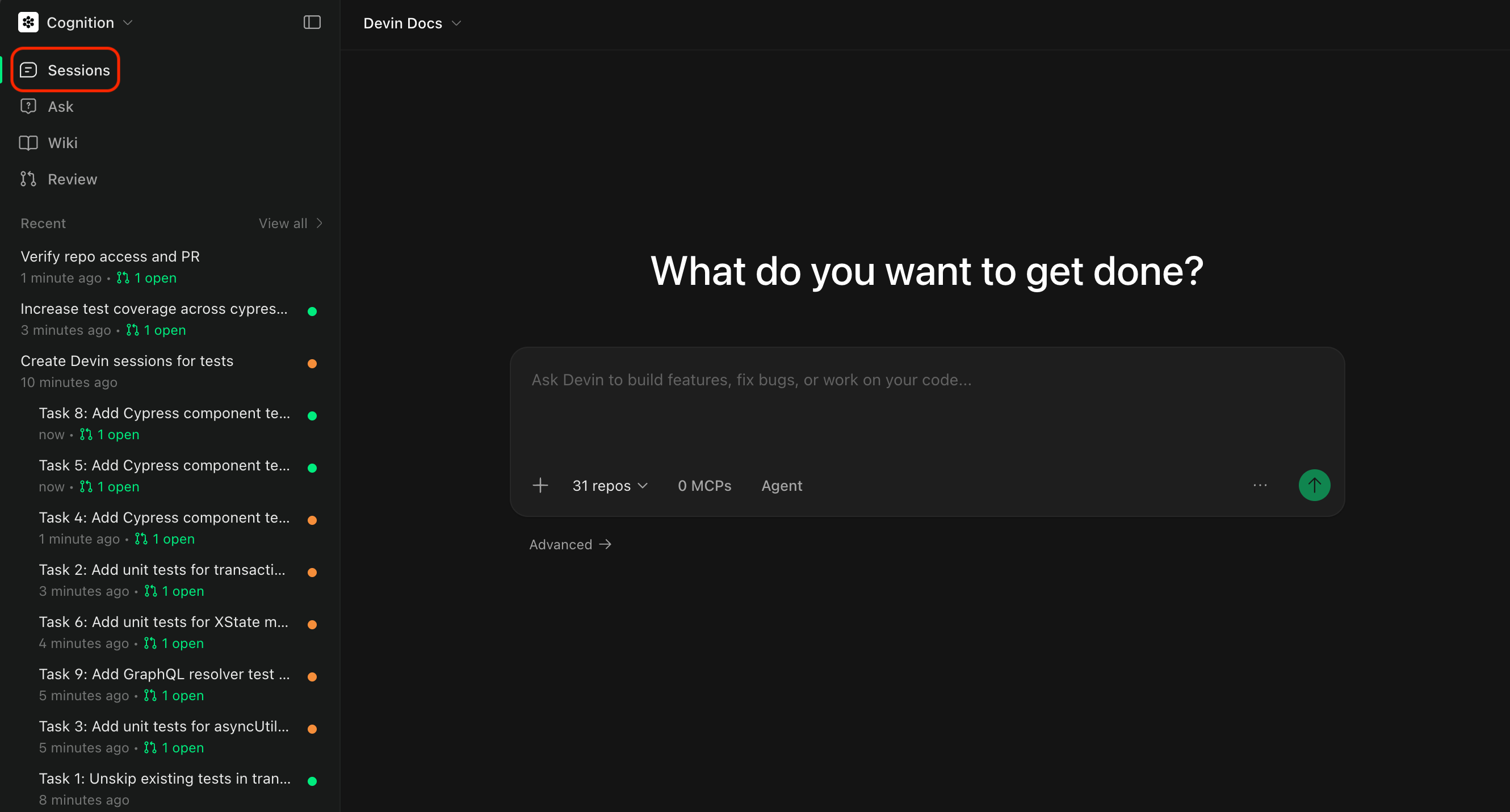
我们建议从 Slack 频道中发起会话(将 Devin 添加到频道后,请确保在消息中 @Devin,并且将你的 Slack 用户关联到 Devin 账号)。 你也可以直接通过我们的 Web 应用发起会话!

首次使用的提示词示例

a new API endpoint
创建一个新的端点 /users/stats,返回一个包含用户数量和平均注册年龄的 JSON 对象。 

使用我们在 PostgreSQL 中现有的 users 表。 

可参考 statsController.js 中的 /orders/stats 端点,了解我们如何构造响应。 

确保新端点纳入 StatsController.test.js 测试套件的覆盖范围。
frontend features
在 UserProfileComponent 中添加一个下拉菜单,用于显示用户角色列表(admin、editor、viewer)。

使用 DropdownBase 的样式。

当选择某个角色时,调用现有的 API 来设置用户角色。

通过检查所选角色是否更新了数据库中的用户角色来进行验证。请参考你的 Knowledge,了解如何正确进行测试。
为 AuthService 的 login 和 logout 方法添加 Jest 测试。

确保这两个函数的测试覆盖率至少为 80%。

使用 UserService.test.js 作为示例。

实现完成后,运行 `npm test -- --coverage`,并确认覆盖率报告中这两个函数的覆盖率均超过 80%。

同时确认在凭据有效和无效两种情况下测试都能通过,并且 logout 能正确清除会话数据。
将 logger.js 从 JavaScript 迁移到 TypeScript。 

我们已经有用于校验的 tsconfig.json 和 LoggerTest.test.js 测试套件。 

确保编译无错误,并且不要修改现有配置!

迁移完成后,请通过以下方式验证: 
1) 运行 `tsc`,确认没有类型错误
2) 运行 `npm test LoggerTest.test.js`,确保所有测试通过
3) 检查代码库中所有现有的 logger 方法调用,确认它们仍然可以正常工作且没有类型错误。
unit tests
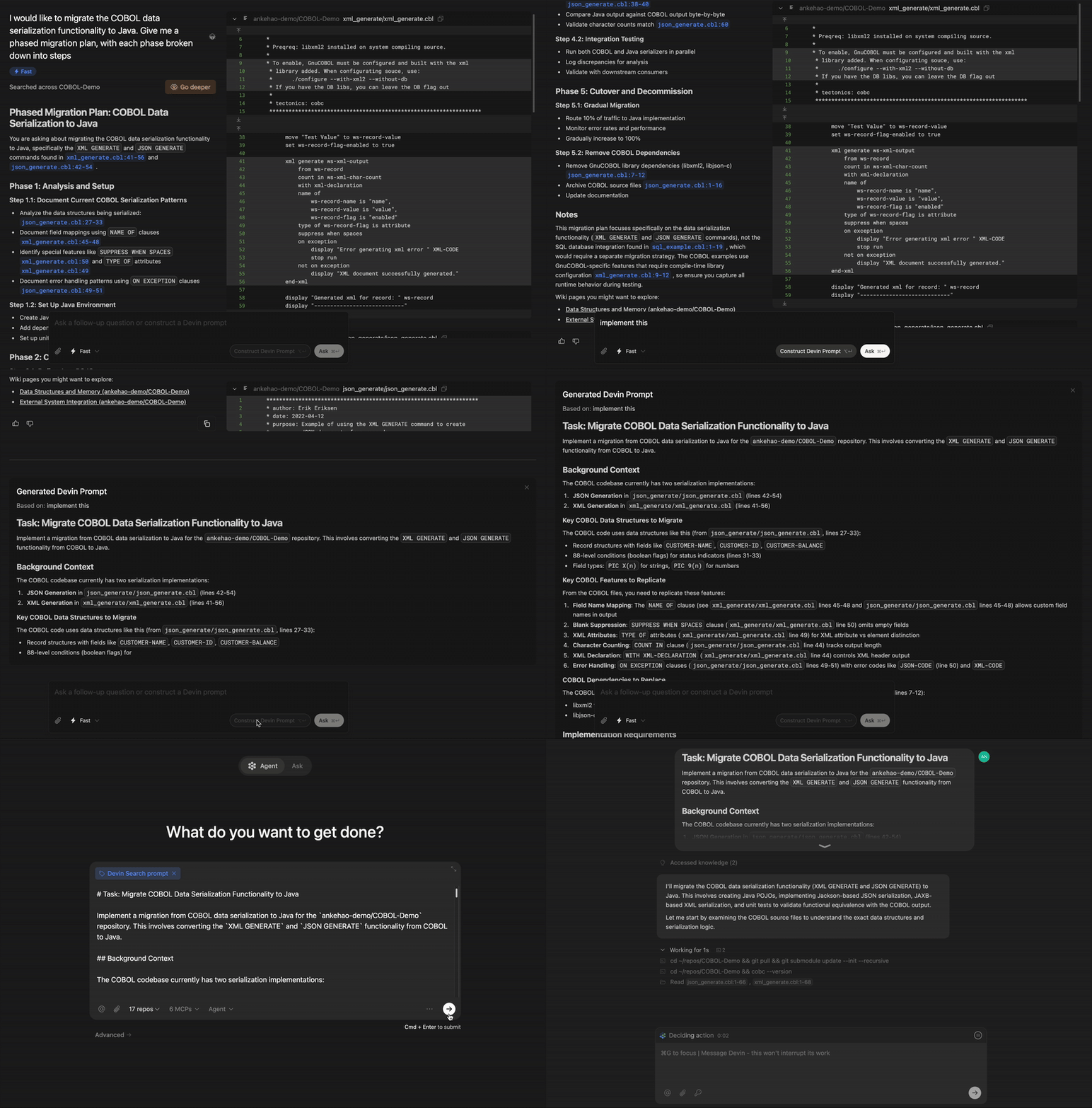
我们正在从 pg 迁移到 sequelize(参见 https://sequelize.org/api/v6/identifiers)。

请将 UserModel 中的查询更新为使用 Sequelize 方法。

可以参考本代码库中的 OrderModel,了解我们的具体实现方式。

实现完成后,请按以下步骤进行验证:
1) 运行 `npm run test:integration UserModel.test.js`,确认所有集成测试通过
2) 在包含 1000 个用户的测试数据集上检查执行时间,确认查询性能没有下降
3) 运行 `npm run test:e2e user-flows.test.js`,验证所有 CRUD 操作仍然能够保证数据完整性
Quick PR
## Overview
The task is to make a quick pull request to a repository.
Since this is a 'quick' PR, you will not need to run any code or test anything; simply make a PR and the user will handle the testing. Your only responsibility is reading and writing code.

## What's Needed From User
- The repository to create a pull request to

## Procedure
### Prepare your workspace
1. Navigate to the relevant repository on your machine (clarify with the user if you can't figure it out).
    - Check out the main branch and note down the name of the main branch.
    - Checkout to a new branch since you'll be making a pull request. The name of the branch has to be of the format `devin/<your-branch-name>/X` where X is a random number. For example `devin/fix-popup/3234`. Run `git remote -v && git pull && git checkout -b devin/{branch-name}/$RANDOM` and replace `{branch-name}` with the name of the branch you want to create.
2. Study the request, codebase, and plan out the changes
    - Review the most relevant files and code sections, identifying relevant snippets.
    - Inform the user of your plan
### Work on the PR itself
3. Make the code changes
    - Don't change anything that wasn't specifically requested by the user
4. Make the PR
    - Commit and push the changes and tell the user.
    - See advice section for the exact command to make the PR
    - Make a pull request & review the pr to make sure it looks OK.
    - Ensure all GitHub actions pass successfully & make necessary changes until they do
    - Send the PR link to the user and summarize what you changed.
5. Address any feedback from the review; send the PR link again every time you make any changes
    - If you need to make updates, just push more commits to the same branch; don't create a new one


## Task Specification
- PR link is included in your messages to the user
- PR was reviewed after creation
- PR does not include any stray changes
- PR does not change anything that wasn't specifically requested by the user
- PR description should include a summary of the changes, formatted as a checklist
- PR description should mention that the code was written without testing, and include - [ ] Test the changes as an item
- PR description should include the following footer: "This PR was written by [Devin](https://devin.ai/) :angel:"
- PR description should include any metadata that the user has provided (e.g. linear ticket tags in the appropriate syntax)
- PR description should not be malformatted (use --body-file instead of --body if the newlines are garbled!)

## Forbidden Actions
- Do NOT try to access github.com through the browser, you will not be authenticated.
- NEVER force push on branches! Prefer merging over rebasing so that you don't lose any work.
- Do NOT push directly to the main branch.

## Advice and Pointers
- Double check the name of the main branch (which could be `main` or `master`) using `git branch`.
- For repos with CI/CD on github actions, you can check build logs using the gh cli. if you're asked to fix a build/fix lint, you should start by looking at recent build logs
- Check `git status` before committing or adding files.
- Use `git diff` to see what changes you have made before committing.
- If you're updating an existing repo, use `gh cli` to make pull requests.
- Send the PR link to the user every time you update & ask them to re-review so that it's convenient for them
- You should already be authorized to access any repositories the user tells you about. If not, ask the user for access.
首次使用 Devin 时,我们建议你通过 “Follow Devin” 选项卡,或观看下方示例会话视频,先花几分钟坐下来观察 Devin 的工作方式。一般情况下,你不需要一直这样实时监控 Devin,但这是了解 Devin 能力的一个很好起点。 注意:本视频已进行了加速处理,仅用于演示效果。 如果你想进一步了解 Devin 能做什么以及如何实现这些能力,请查看下方入门 教程

与您现有的工具协同工作

您可以邀请 Devin 在您使用的许多工具或应用中工作——只需向 Devin 提供必要的凭据、API key 或 token,它就可以通过 Secrets Manager,或在聊天中按提示安全共享凭据时,在这些服务中执行操作。 以下是 Devin 已经与我们的早期用户一起使用过的一些常见工具:
Devin
有关 Devin 集成的更多详细信息,请查看我们针对 GitHub 和 Slack 的集成指南: 对于与您现有工具的自动化工作流和集成,您也可以利用我们的 API Reference,以编程方式创建会话并获取结构化结果。