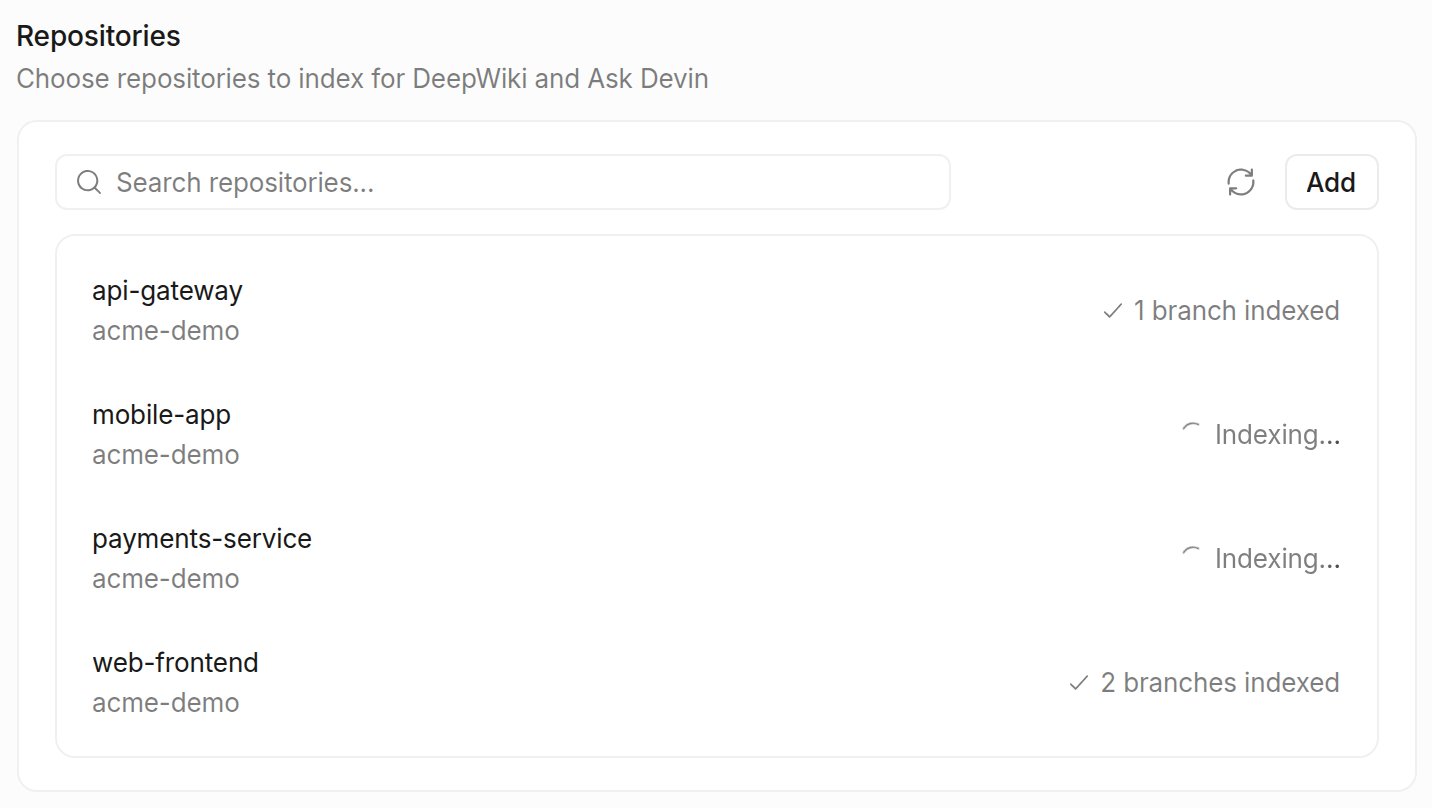
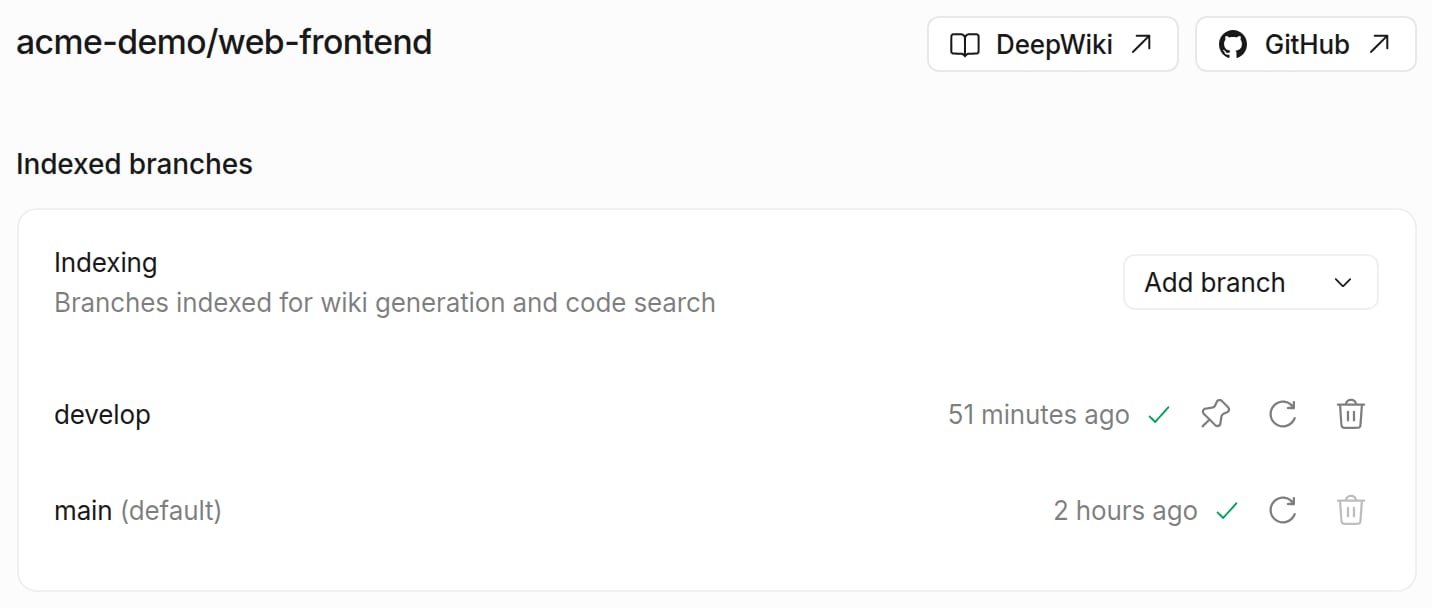
Repository indexing is separate from environment configuration. Indexing enables code search and understanding features, while environment configuration sets up Devin’s development environment.
Index Your Repository
Repositories you add to Devin’s environment, during onboarding or by creating a blueprint for them, are indexed automatically. Follow the steps below to index a repository that is connected but not part of your environment, or to index additional branches.
- Go to app.devin.ai and ensure you’re logged into your organization
- Click on Settings in the sidebar to access your organization settings
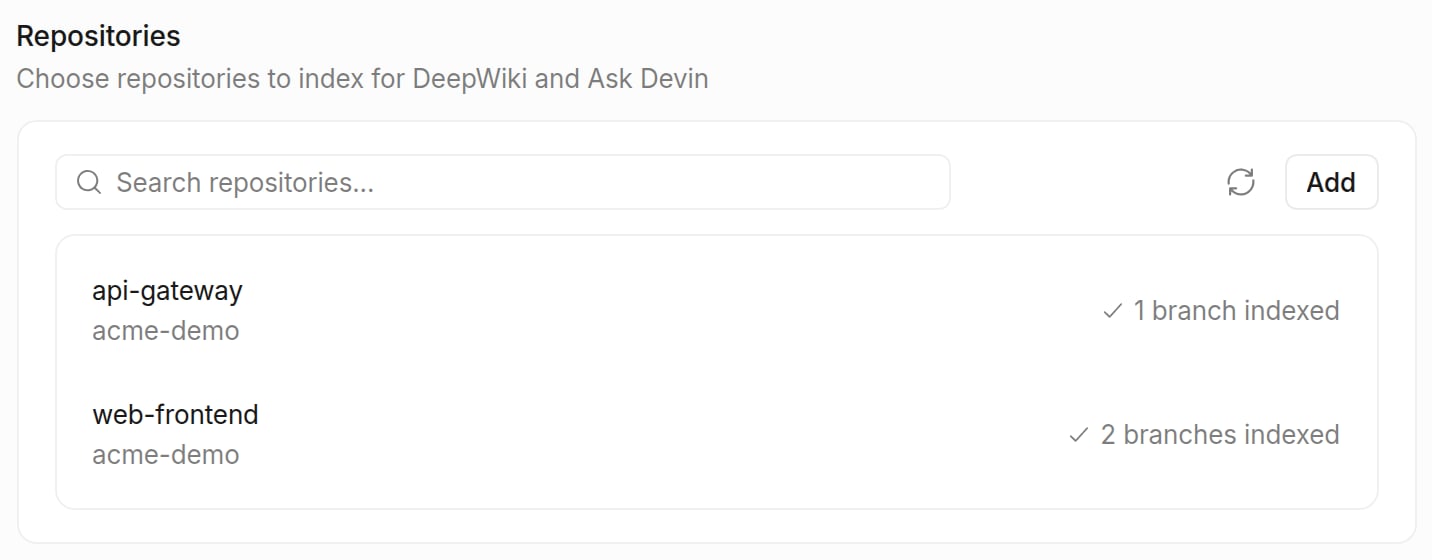
- Select DeepWiki and scroll to the Repositories section, which lists the repositories your organization has already indexed
- Click Add
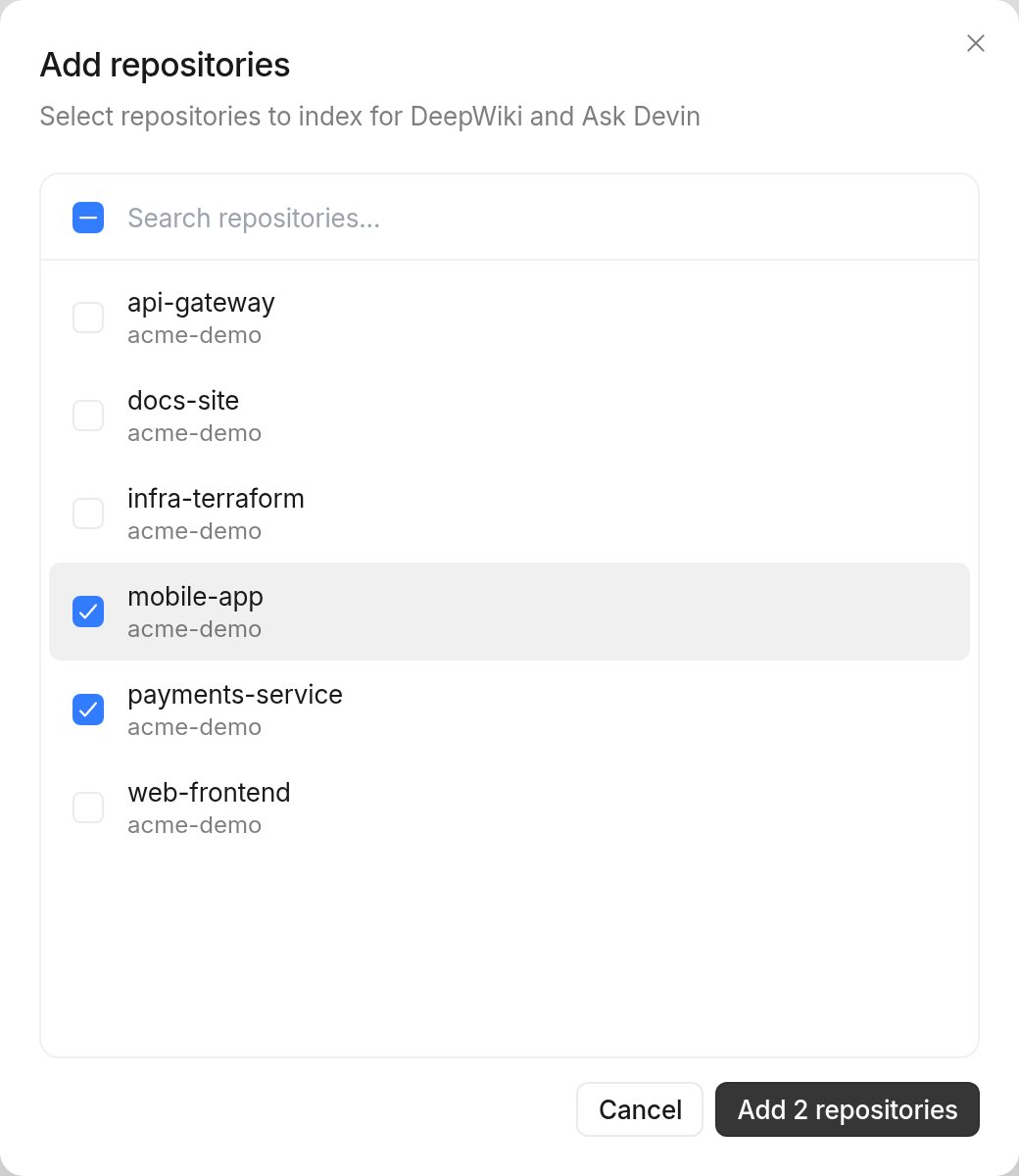
- In the Add repositories dialog, check every repository you want Devin to index, then click Add repositories
- Wait for indexing to complete — newly added repositories show Indexing… until they’re ready, which may take a few minutes depending on repository size