Overview
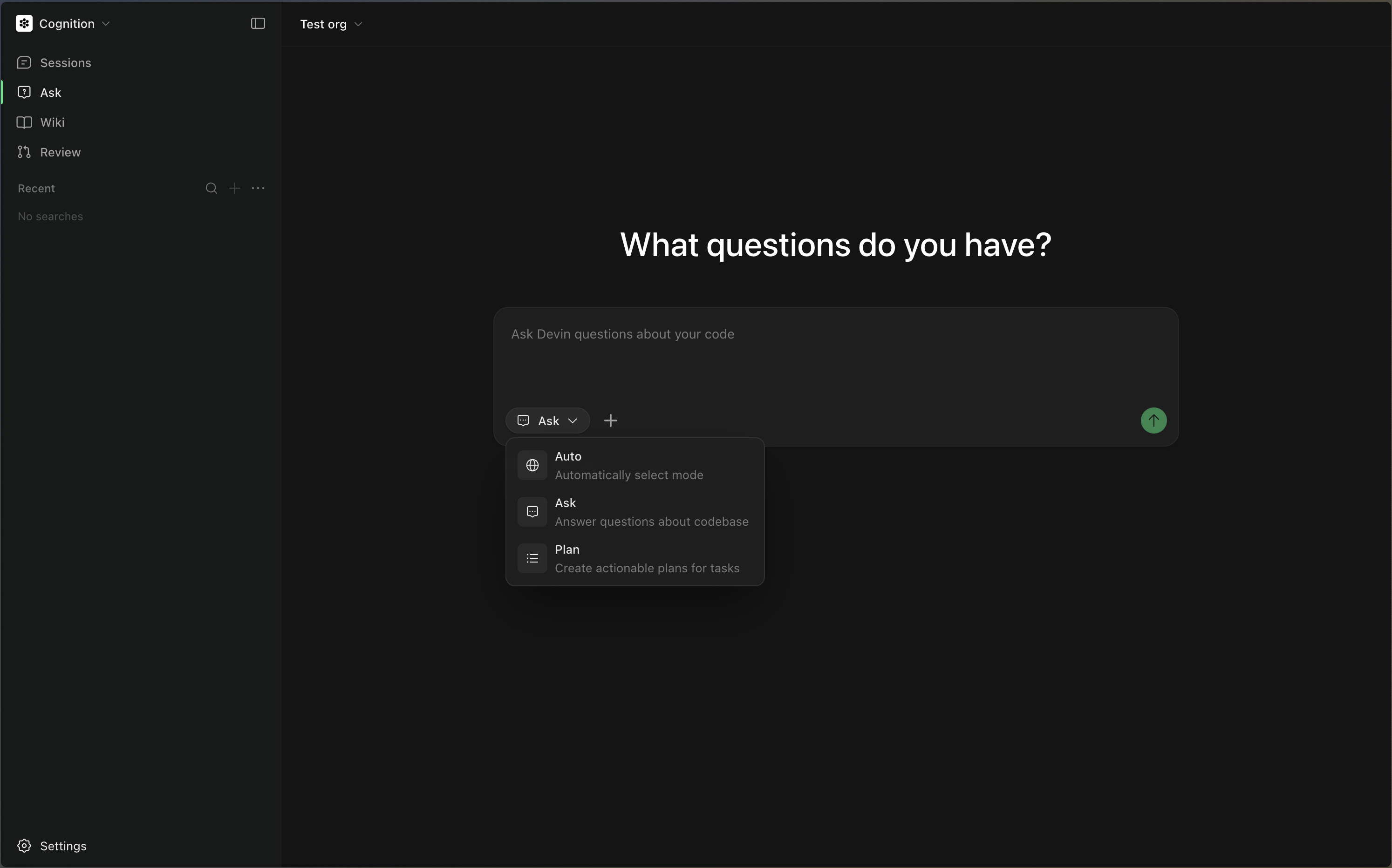
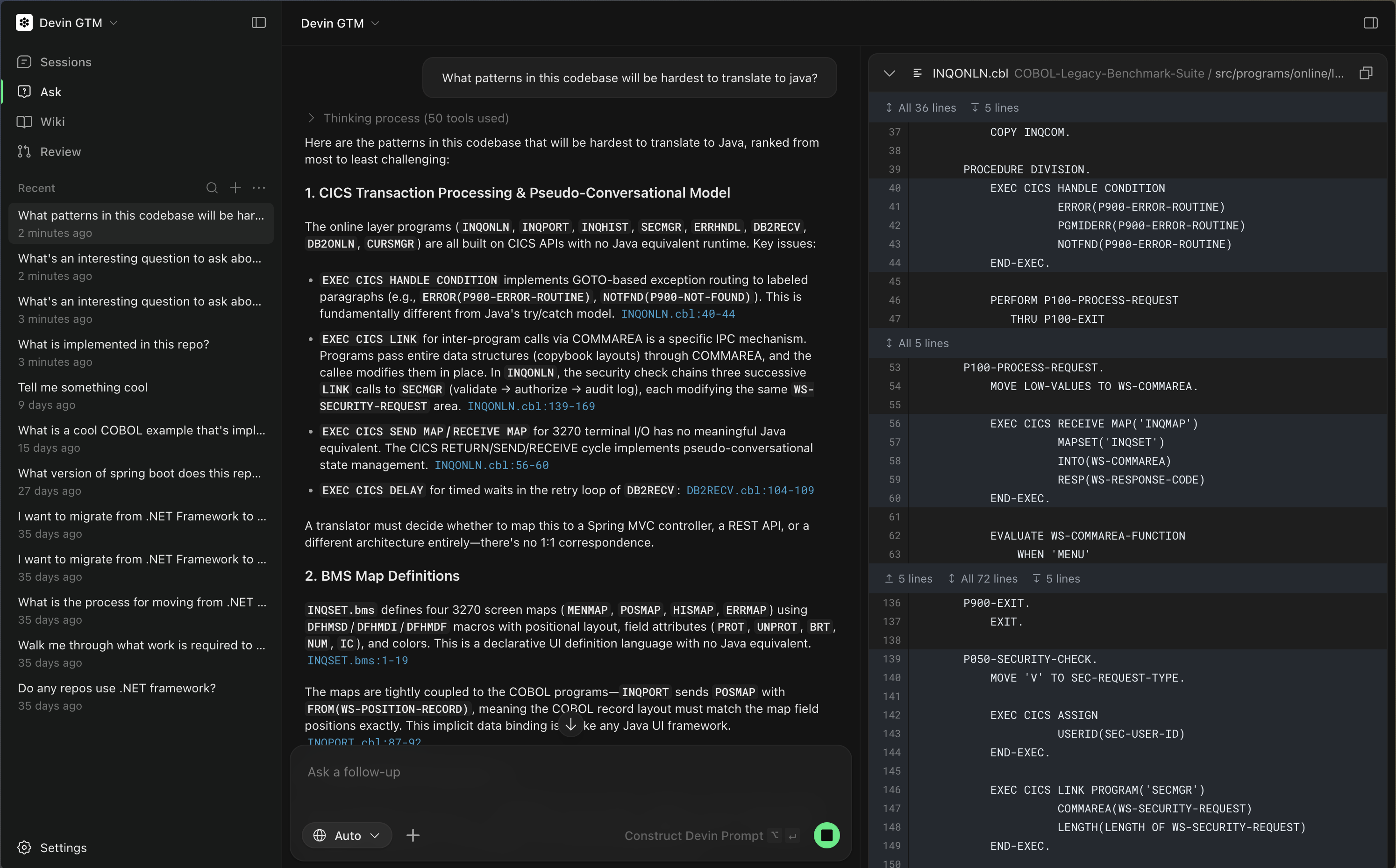
Ask Devin is your AI assistant’s window into your codebase. Once you’ve added a repository to Devin, it is automatically indexed so Devin can understand and reason about your code. With Ask Devin, you can:- Ask questions about how your code works, explore architecture, dependencies, and key functions. Ask Devin uses advanced code search capabilities to produce detailed, accurate, and well-cited answers grounded in your codebase.
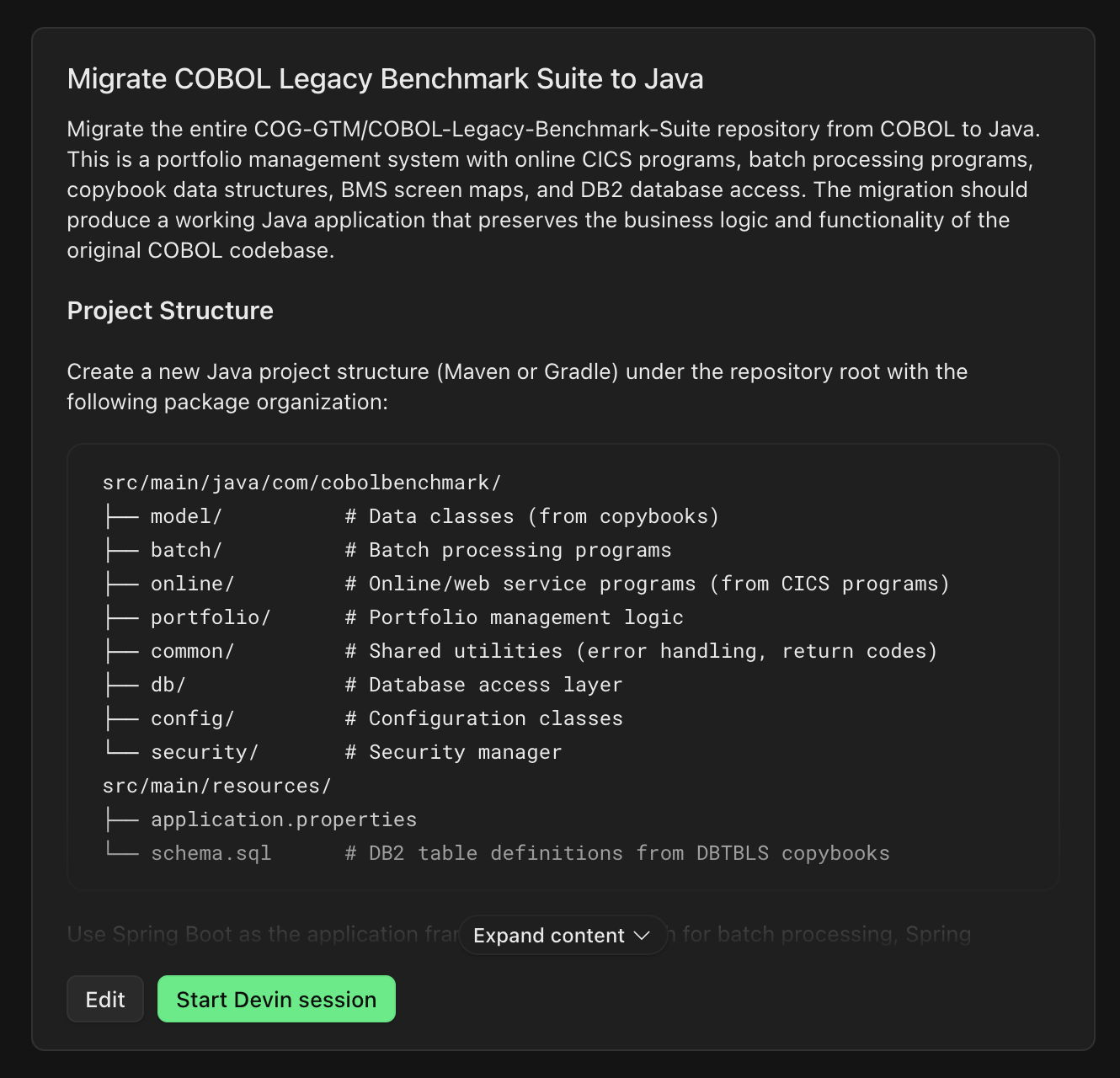
- Plan tasks by working with Devin to scope and plan implementation before writing code. Devin generates a context-rich prompt based on what it learns, ready to hand off to an Agent session.
Recommended Workflow
To get the most out of Devin, follow this workflow:1. Index Your Repository
After connecting your GitHub, GitLab, or other source code provider, index your repository. Devin automatically indexes your codebase in the background, enabling powerful tools like DeepWiki and Ask Devin.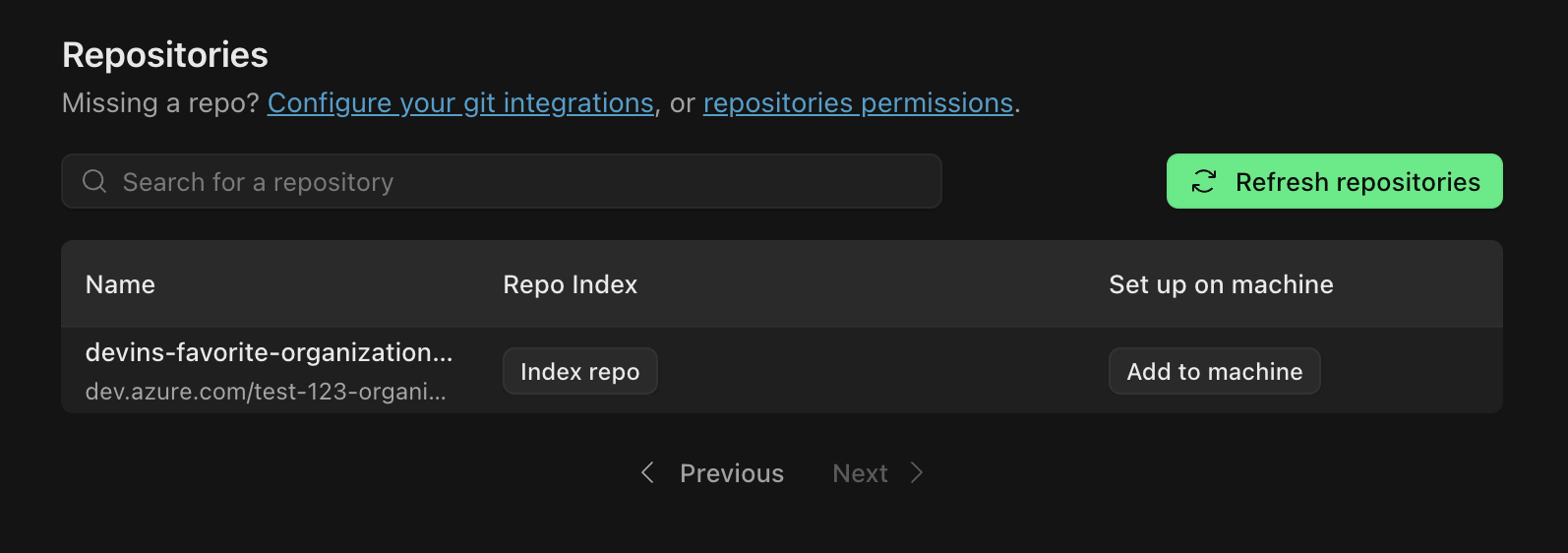
2. Use Ask Devin to Explore and Plan
Go to Ask Devin to:- Ask technical questions about your code and get detailed, accurately cited answers powered by advanced code search
- Plan and scope projects, break down tasks, and generate context-aware prompts for Agent sessions
3. Start a Session from Ask Devin
Once you have used Ask Devin to understand the code and clarify your goal, you can start a session directly from the conversation. This is the best way to initiate work with Devin because:- Devin starts with clear context from your Ask Devin conversation
- The prompt is automatically tailored to your task and codebase
- You are more likely to get successful, relevant results
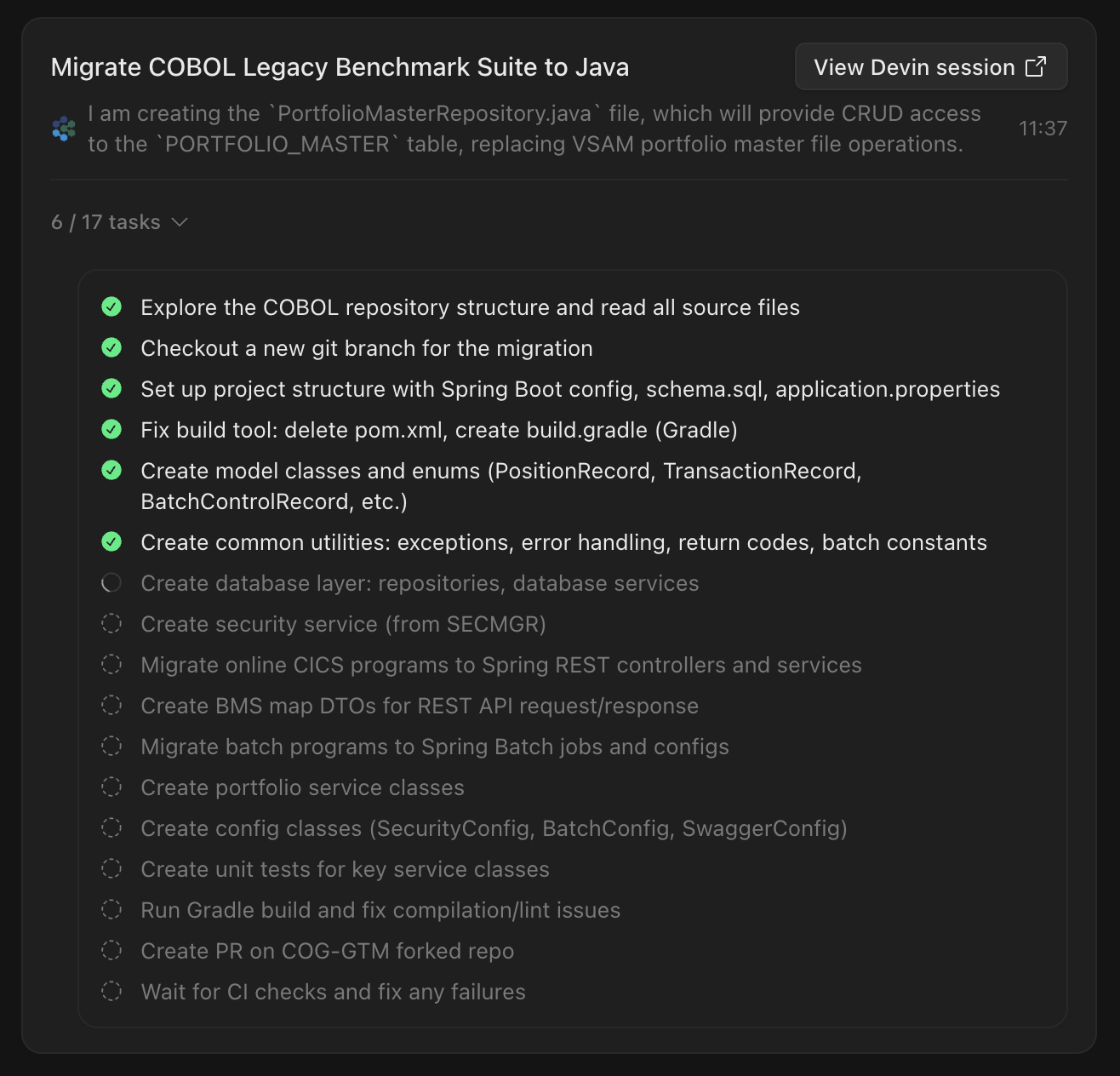
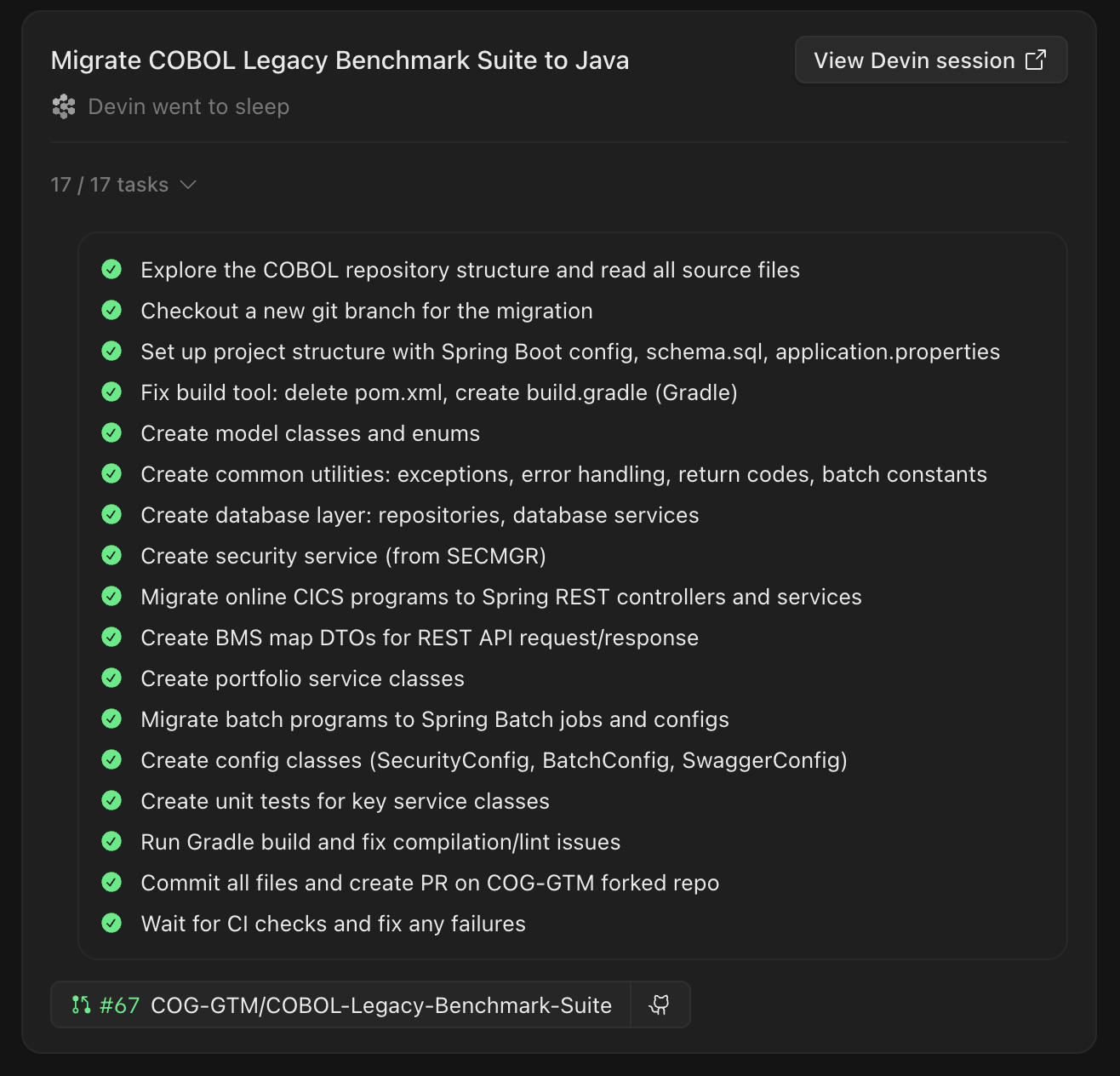
- The session status is displayed directly in the Ask Devin conversation, letting you monitor progress without leaving the page