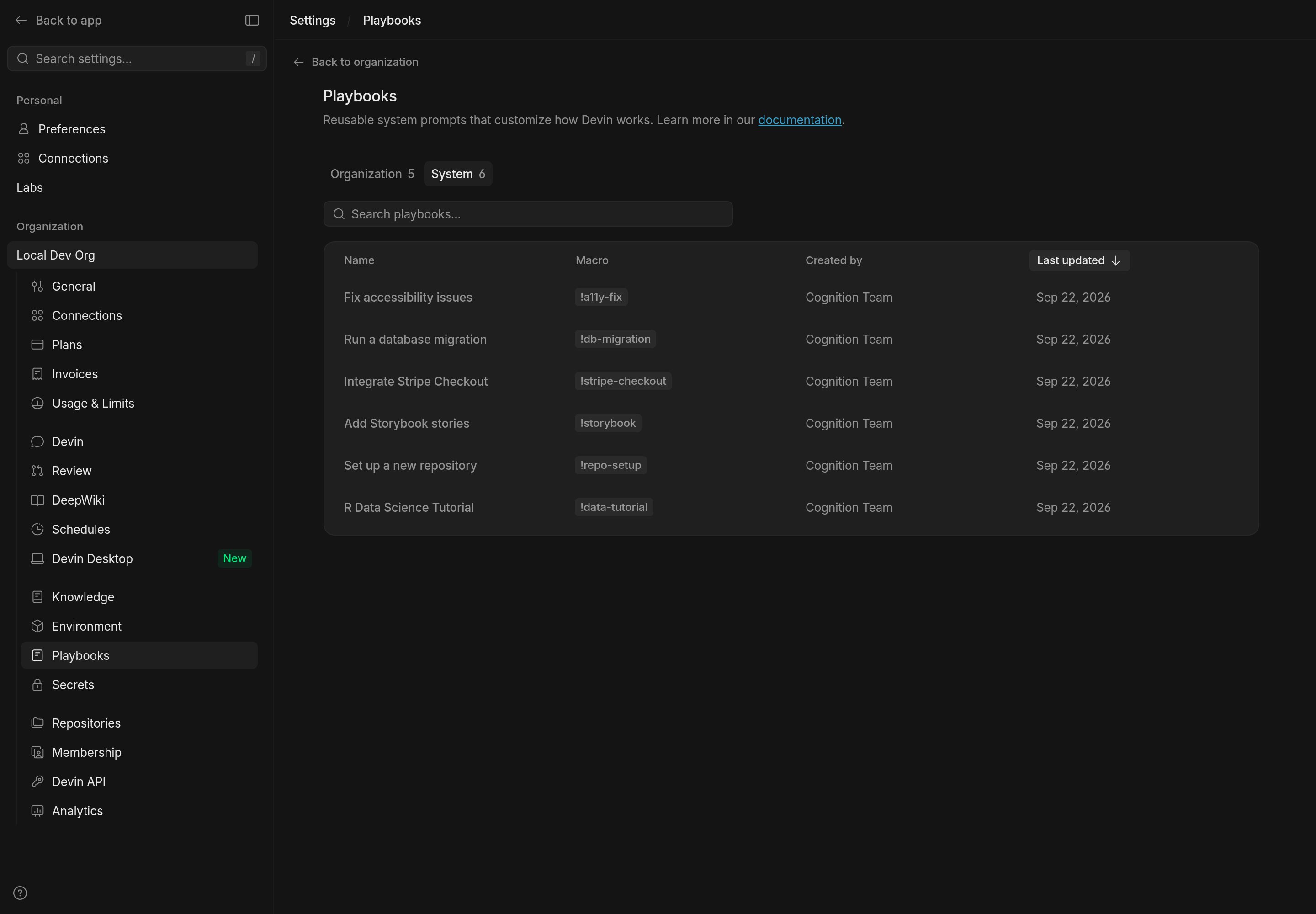
How to use Playbooks
To use playbooks simply select one of the playbooks available to you: your organization’s playbooks, your enterprise’s playbooks, or Devin’s System playbooks. You’ve successfully attached a playbook if you see a blue pill appear, along with an inline component for editing the playbook before starting your session.Using macros
If a playbook has a macro assigned (e.g.,!data-tutorial), you can quickly attach it by typing the macro name in the prompt input box. This is a convenient shortcut when you know the macro identifier for the playbook you want to use.
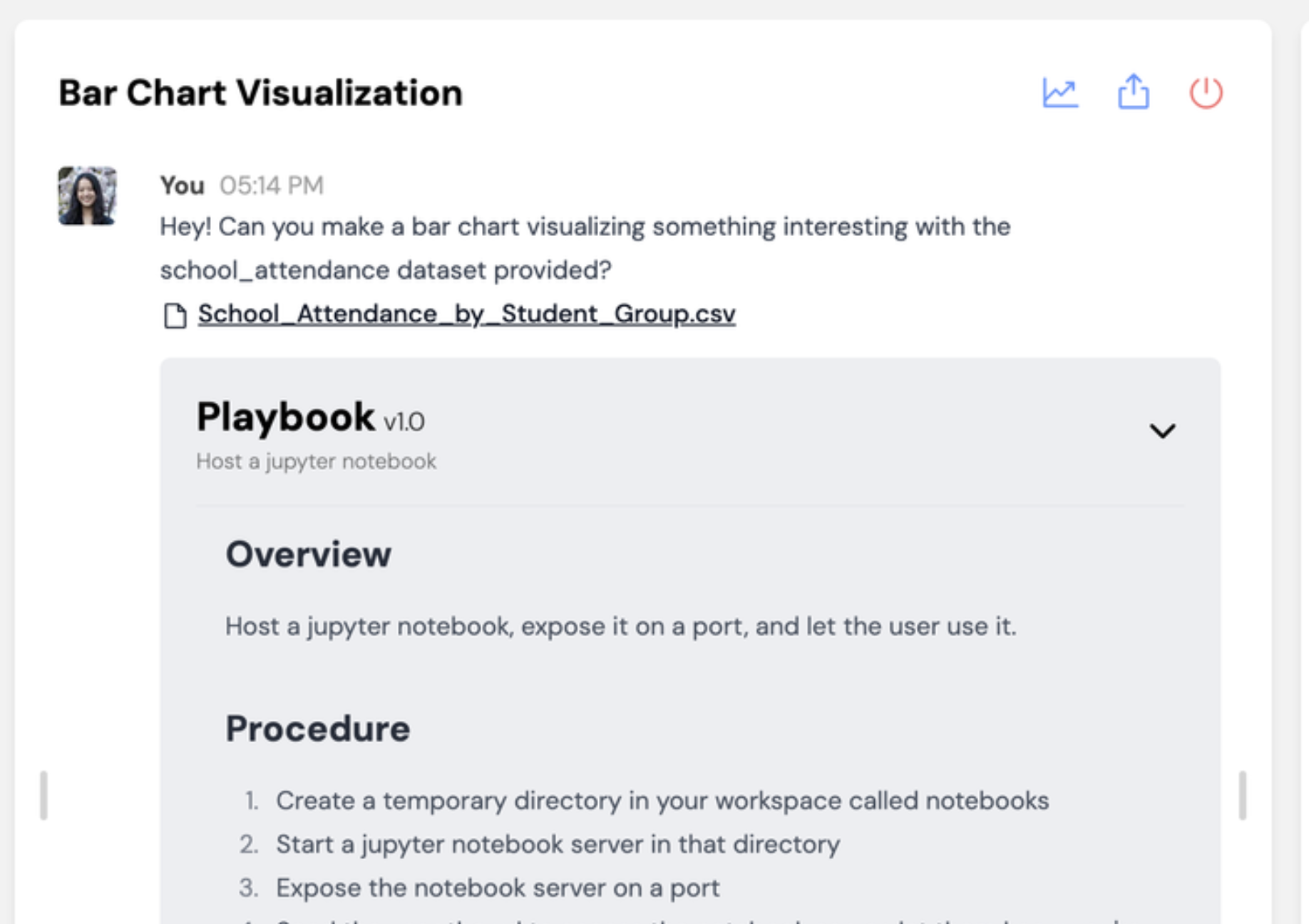
Once you start the session, you should see your playbook show up with a grey background in the chat with Devin!
Refining Playbooks
As you run a new playbook with Devin, you’ll identify opportunities to improve the instructions so that Devin can complete the task more reliably. Here are some helpful features for iterating on playbooks live: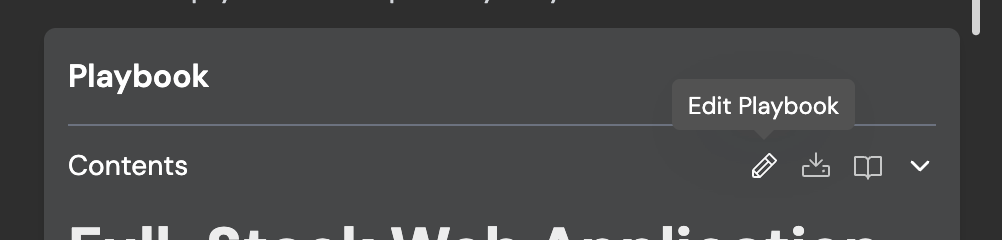
Browsing Playbooks
Browse and manage playbooks at Settings > Playbooks. The page groups playbooks into tabs:- Organization: playbooks shared within your current organization.
- Enterprise: playbooks shared across every organization in your enterprise. This tab appears at the enterprise level; from an organization, use the Looking for enterprise playbooks? link to open them.
- System: playbooks provided by Devin, available to everyone.